How it works
How to make your Wiseplan.
A quick look inside Wiseplan - from adding your first record to handing a clear plan to the people you trust.
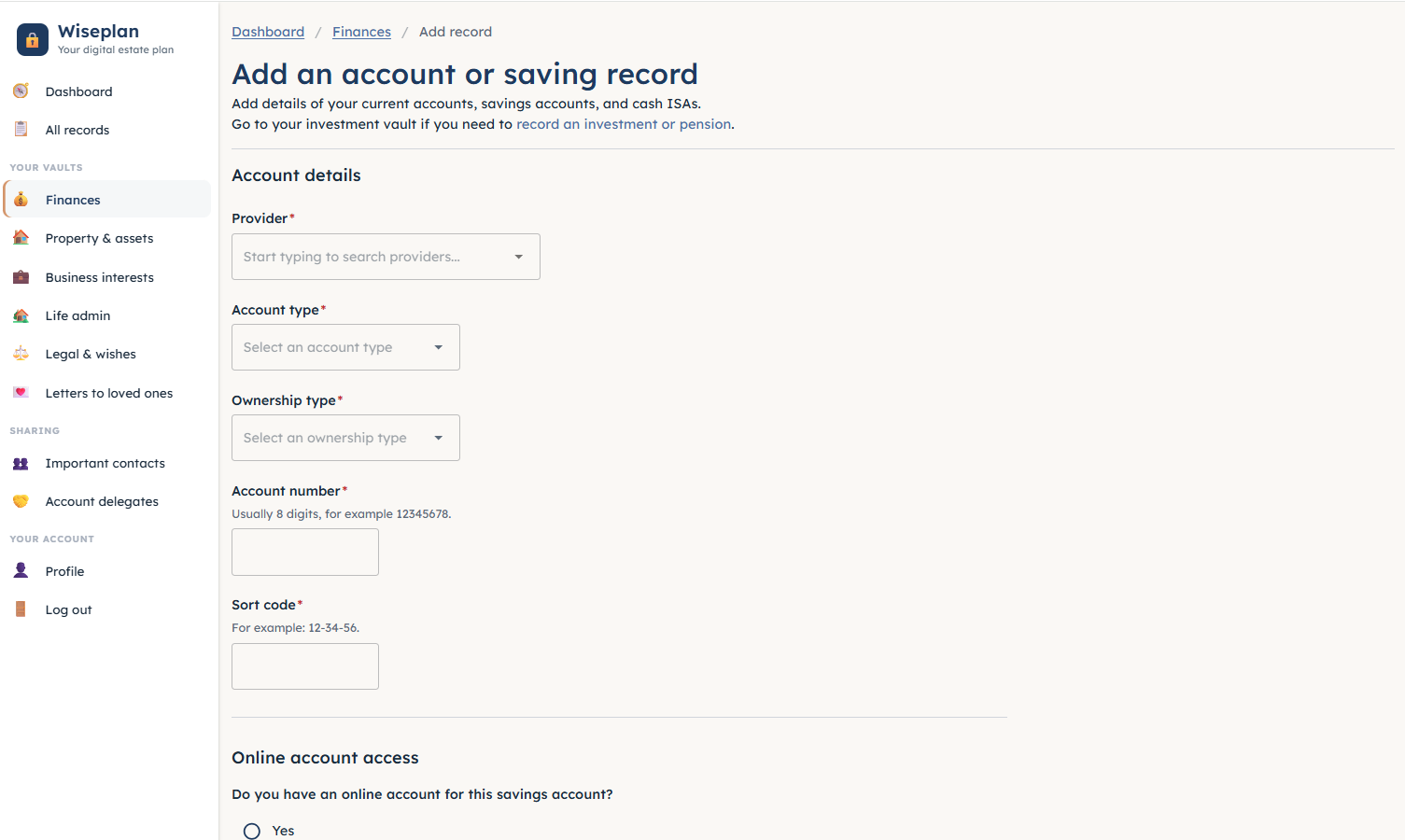
Step 01
Curated forms that ask the right questions
- Guided forms capture exactly what an executor, attorney or family member will need - nothing missed
- Accounts, pensions, property, insurance, legal documents and wishes - not too much, not too little
- Snap paperwork on your phone - automated text extraction reads what it can, and you confirm the rest
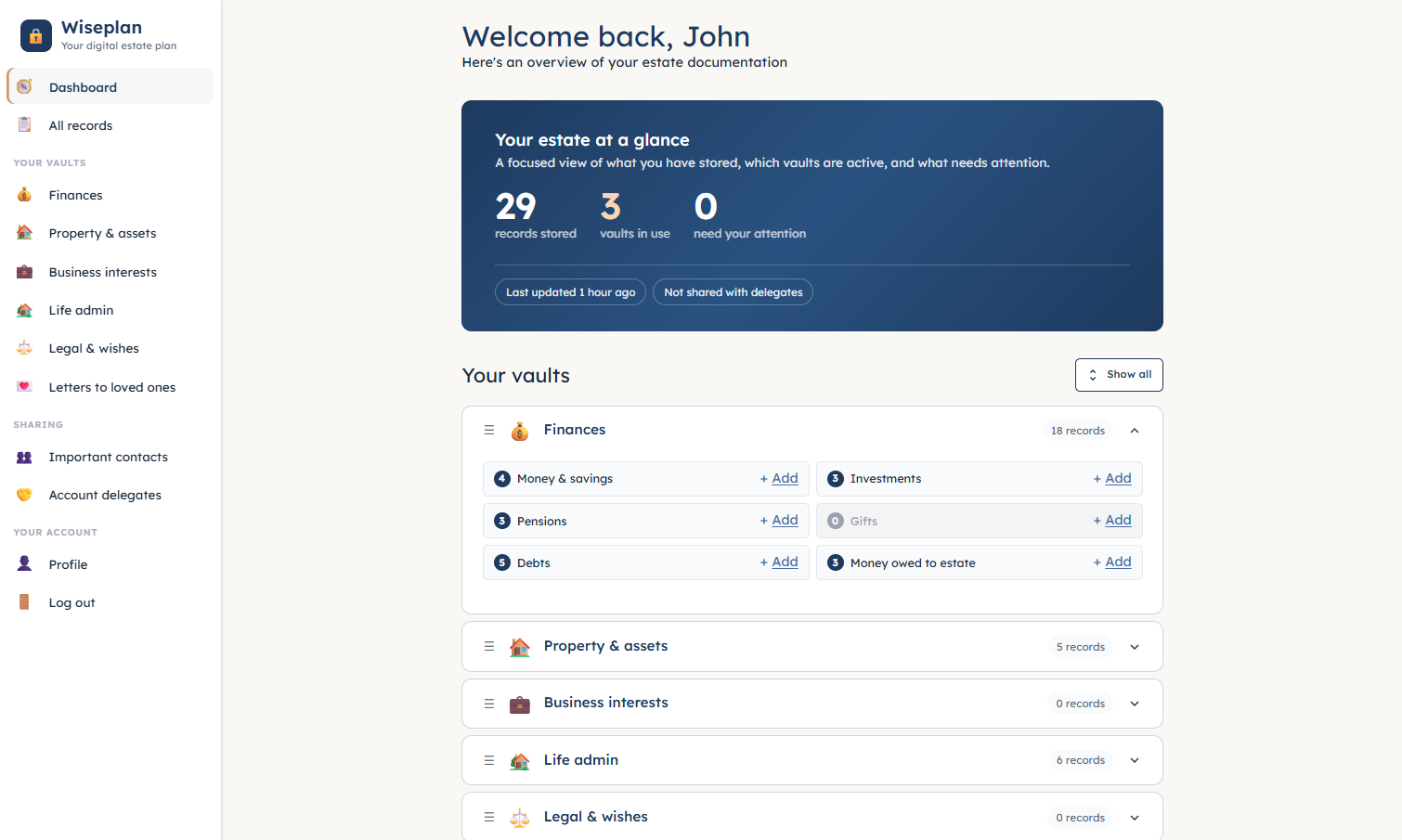
Step 02
Everything in one place
- Your whole estate at a glance - every vault, every record
- Anything that still needs your attention is flagged
- Organised the way the people you love will actually need it
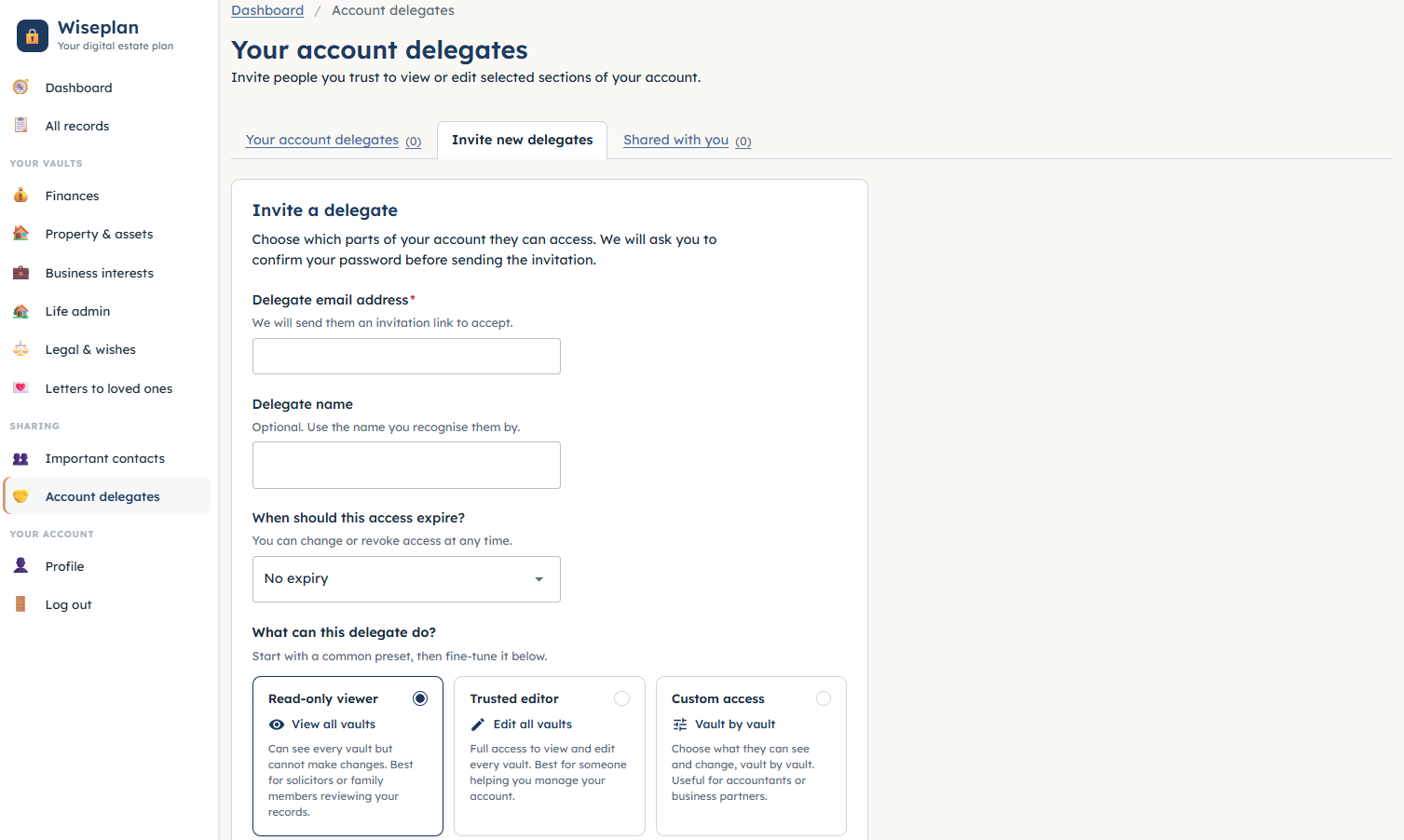
Step 03
Choose exactly who sees it, and when
- Invite the people you trust with the access that fits their role - viewers, or editors who help on your behalf
- Share now, once an LPA is in place, or only when the time comes
- You stay in control - change or revoke access at any time